
Forms and templates
A template is a reusable questionnaire: sections with items that together form one intake. You build it once and then use it for every client. Publishing records a version; requests that are running keep their own version.
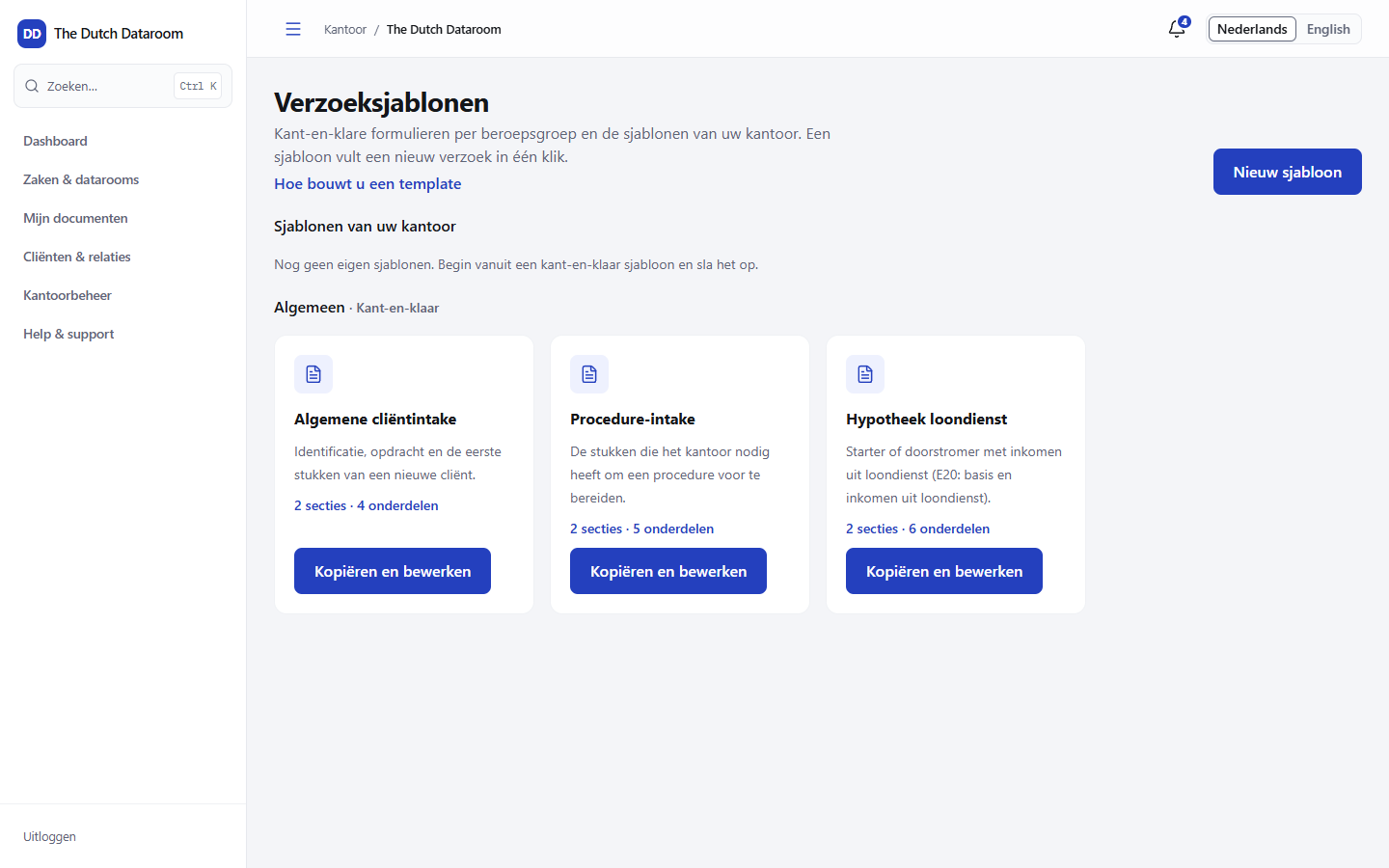
Choosing or building a template
Section titled “Choosing or building a template”- Open Matters & datarooms → Forms (or Document requests → How the builder works).
- Choose a starter from the library, or choose New template.
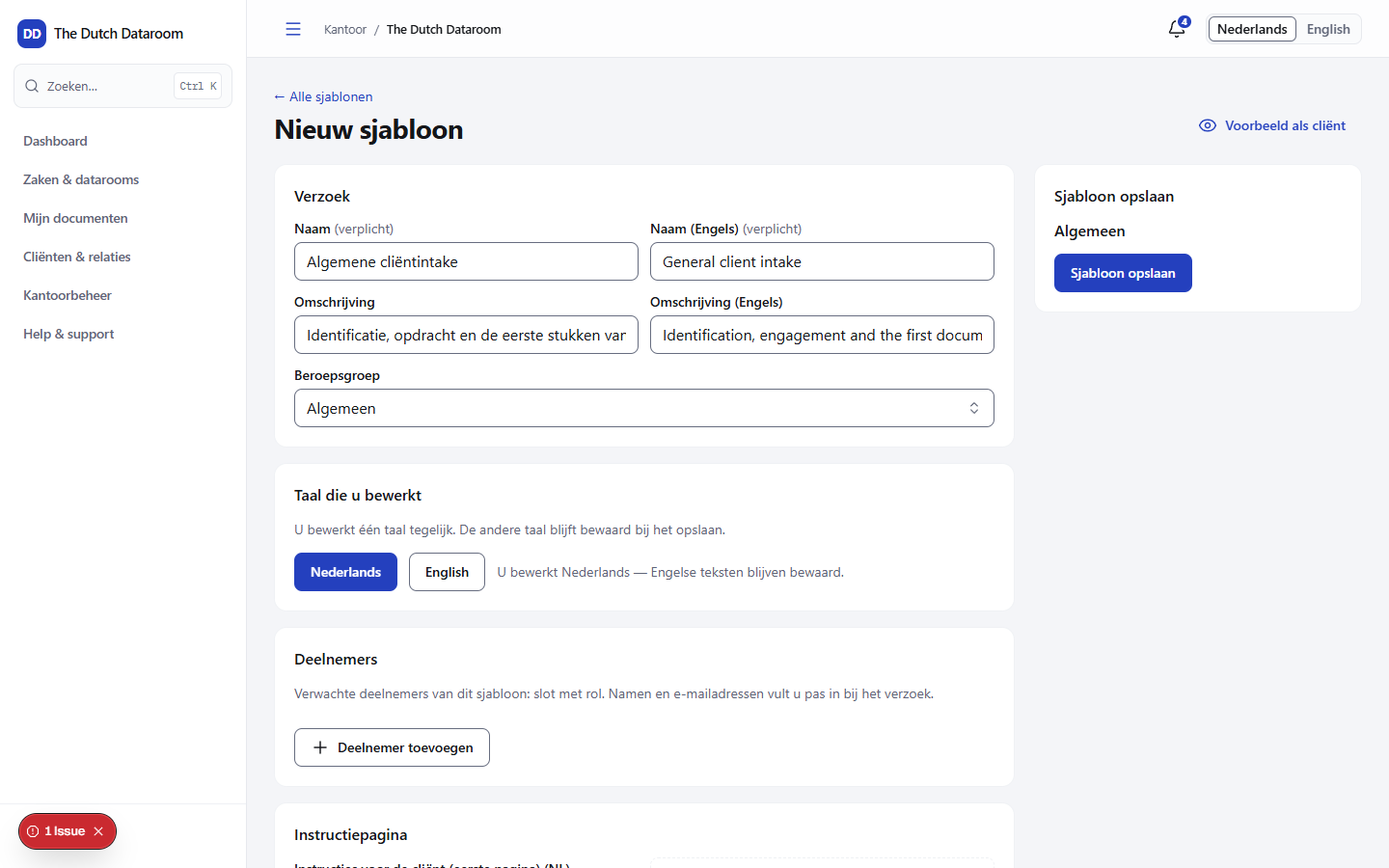
- Give the template a name that the client recognises.
Sections and items
Section titled “Sections and items”A template consists of sections containing items. Each section is a block in the form, each item is one question.
Per item you set:
| Field | Meaning |
|---|---|
| Type | A file, an answer or a confirmation |
| Mandatory | Whether the client must complete the item to be able to submit |
| Supplied by | Who completes the item: the client, the counterparty or the office |
| Destination folder | Where an uploaded file ends up in the index |
| Explanation | Extra explanation that the client sees with the question |
Keep items small and concrete: “Payslip January” works better than “Income documents”.
Publishing
Section titled “Publishing”Choose Publish. That records a version. After that you can keep adjusting the template, but that makes a new version: requests that are already running keep the version they started with. That way a running intake does not change underneath the client.
Preview as client
Section titled “Preview as client”Choose Preview as client to see what the client will fill in. You go through the form without sending anything, so you can check mandatory fields and the order.
Sending a form
Section titled “Sending a form”- Open the dataroom and choose Request documents.
- Choose the template.
- Enter the recipient and check the preview.
- Choose Send.
The client receives a link. After filling it in, files appear in the destination folder and answers are added to the request.