
Downloading
You can download per document or a whole selection as a zip. Whether that is possible depends on your permissions: viewing and downloading are separate rights, and a dataroom can deliberately limit downloads.
One document
Section titled “One document”Choose Download in the action menu of the document. You get the original if you have that permission.
A selection as a zip
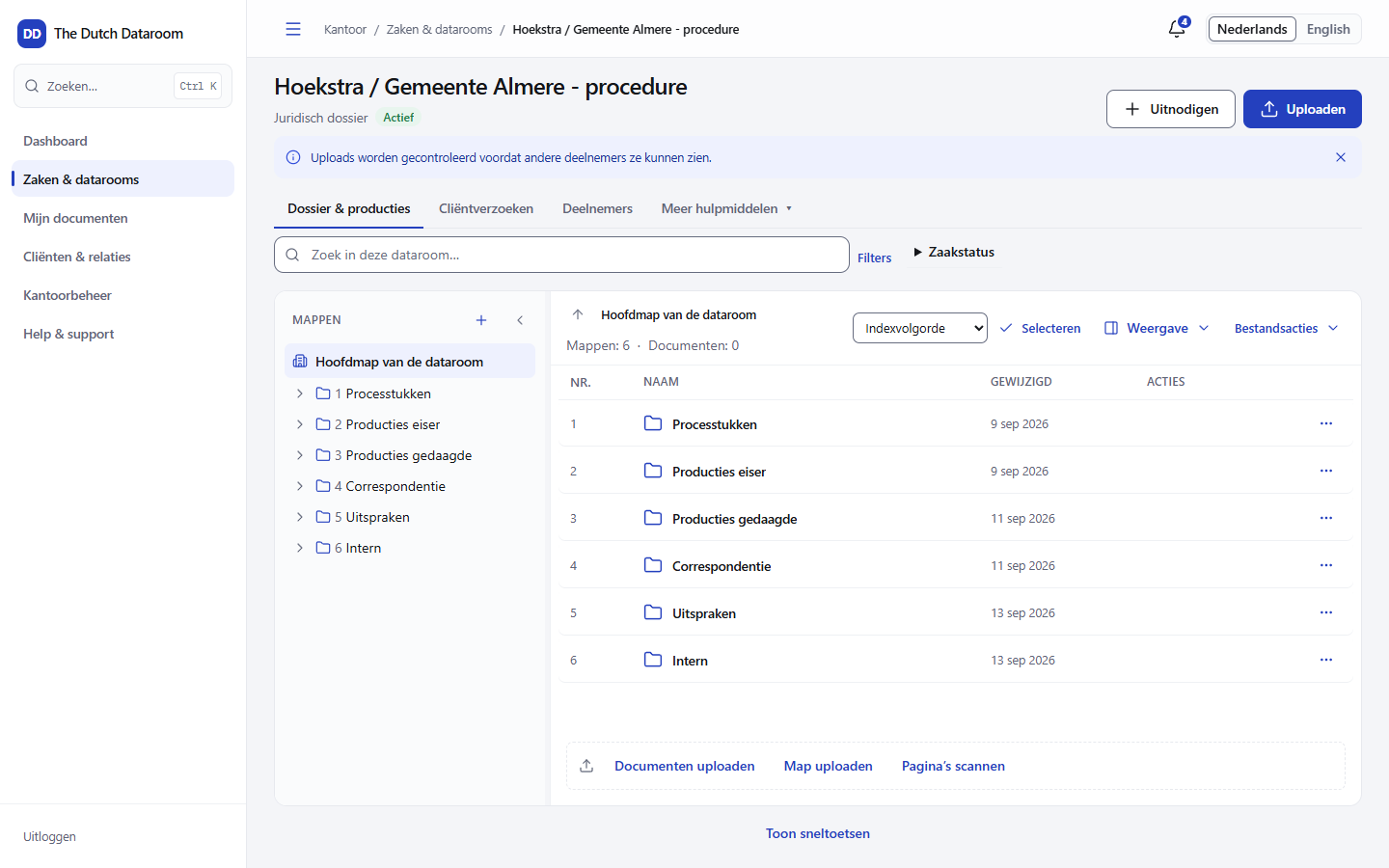
Section titled “A selection as a zip”- Choose Select in the toolbar of the index.
- Tick the documents and folders, or choose Select all in this folder.
- Choose Download selection (zip).
- The zip is put together in the background. You can keep working in the meantime; you get a notification when it is ready.
- Choose Download in the panel. The link stays valid for a limited time.
Each download has a maximum number of items. If you are above it, the system asks you to make the selection smaller.
Documents that are not included
Section titled “Documents that are not included”Not every selected document ends up in the zip. What was skipped is listed in
LEESMIJ-README.txt in the zip, with the reason per file. That way you know afterwards exactly what
is missing and why.
Common reasons:
| Message | Meaning |
|---|---|
| You may view this document, but not download it | You only have read permission |
| You can only download this document as PDF with watermark | The dataroom does not allow the original |
| You have started too many downloads at the same time | Wait a minute and try again |
| The selection is too large for one download | Choose fewer documents |
PDF with watermark
Section titled “PDF with watermark”If Offer downloads as PDF with watermark is on in the settings of the dataroom, you receive a PDF with your name, the time and a forensic marker. The original then does not leave the server. This is the default for guests in datarooms with confidential documents.
Merging everything
Section titled “Merging everything”For a hearing or a bundle you can have documents put together as one PDF. The order follows the index; the numbers stay visible. Preferably do not use this for large selections: putting it together then takes longer and the download can expire before you collect it.
What is recorded
Section titled “What is recorded”Every download is in the audit trail: who, which document, which version, the selection and the moment. A download you did not do can therefore always be traced.