Integrations and API
With an API key you connect your practice management system to The Dutch Dataroom; with webhooks you get a message when something happens. Both are under Office administration → Integrations.
Creating an API key
Section titled “Creating an API key”- Open Office administration → Integrations.
- Choose Create key.
- Give the key a recognisable name (for example
practice system link). - Choose the scopes: which parts may this key read or write?
- Set the validity in days.
- Copy the key immediately: you see it once.
The key then works without a further login step. Keep it in the configuration of your system, not in a document or a chat.
Scopes and permissions
Section titled “Scopes and permissions”A key never gets more permissions than the scopes you choose. Choose the smallest set that works:
| Scope | What it allows |
|---|---|
| Read datarooms | Read the list of datarooms and their set-up |
| Manage datarooms | Create and change datarooms |
| Read documents | Read the index and document details |
| Upload documents | Add files |
| Download documents | Retrieve originals where that is allowed |
Revoking and expiring
Section titled “Revoking and expiring”A key expires on the date you set. You can also revoke it immediately. Revoke a key when a link stops or when you suspect it has leaked; create a new one afterwards.
Webhooks
Section titled “Webhooks”A webhook sends a message to your system on an event: an upload, a new request, a signed document. Every call is signed with a part you can verify with the secret of the endpoint, so that your system knows for sure that the message comes from us. Per endpoint you see which events were delivered and which failed.
If a delivery fails, it stays visible with its status. That way you see at once whether your system missed something; you do not have to search your own logs.
API documentation
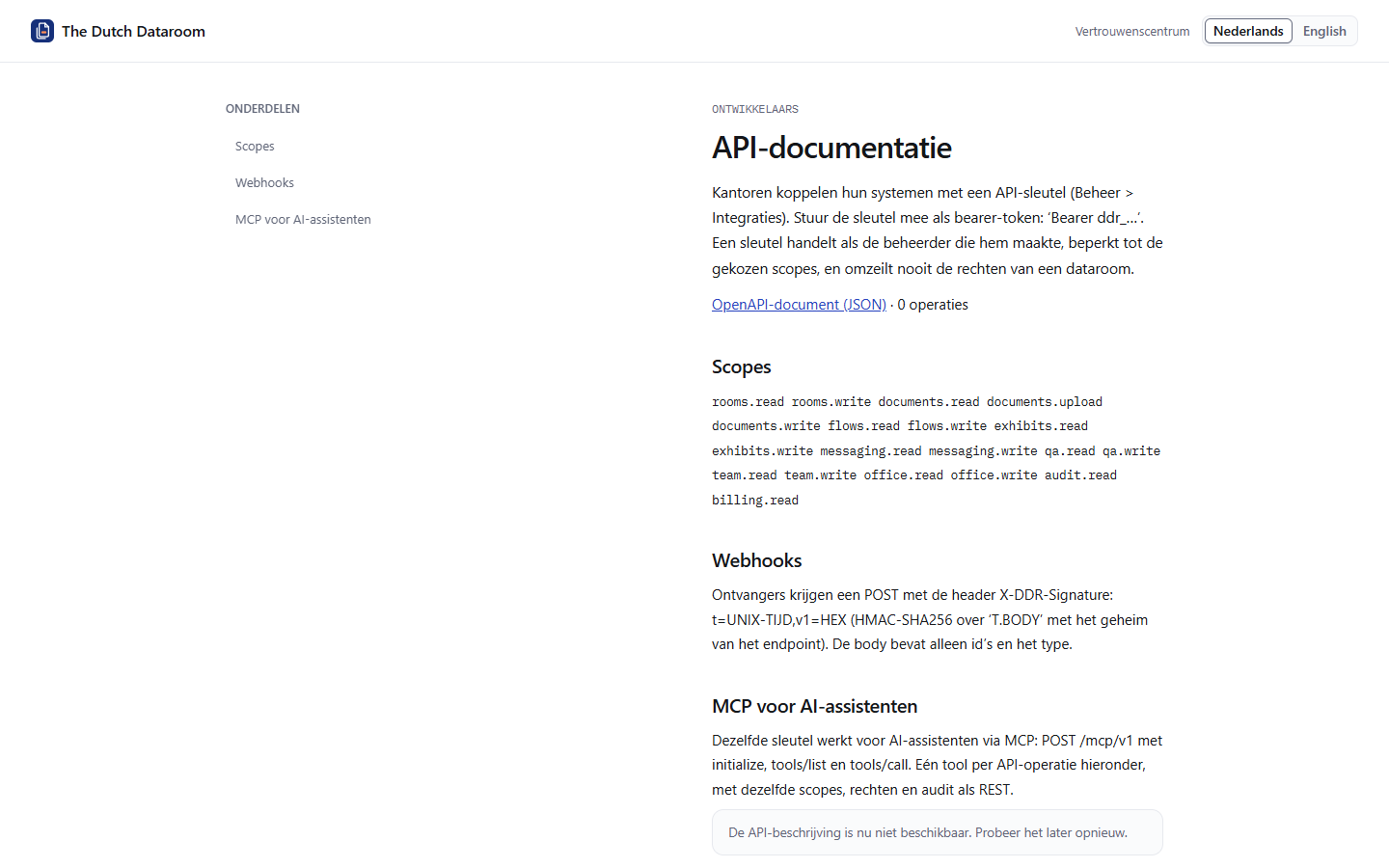
Section titled “API documentation”The technical documentation is publicly available at /api-docs, with the scopes, the signing of
webhooks and the MCP link for AI assistants. The OpenAPI document itself is at
/api-docs/openapi.json and is always identical to the version that is offered.