
Security and trust
This page describes what the platform technically does to protect data, and especially also what it does not promise. If you are unsure about a claim, ask about it before you use it in a quotation.
Storage and transport
Section titled “Storage and transport”- Documents are stored encrypted; the keys are kept separately from the documents.
- All traffic runs over TLS. Within the environment, services use connections between them that are not publicly reachable.
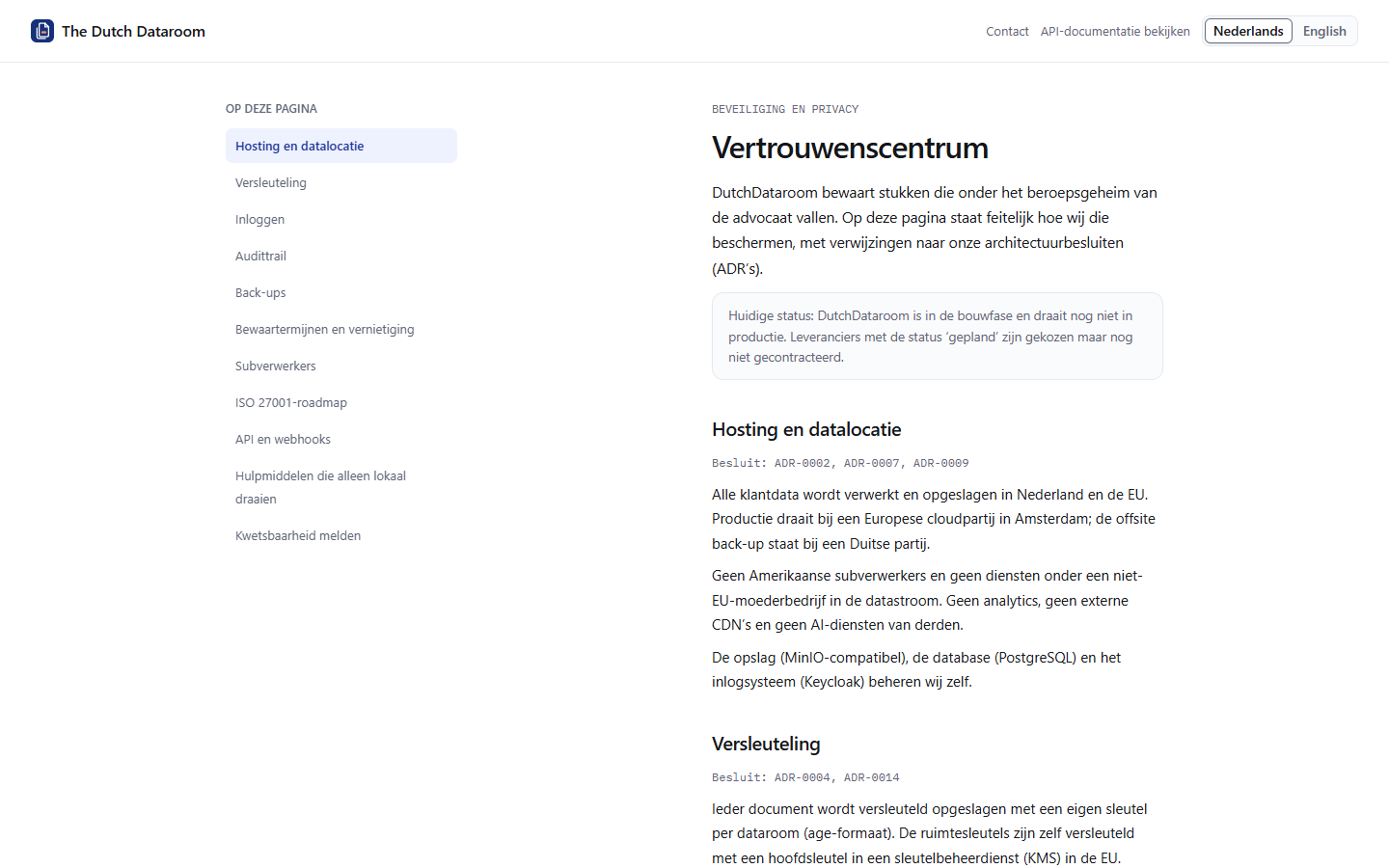
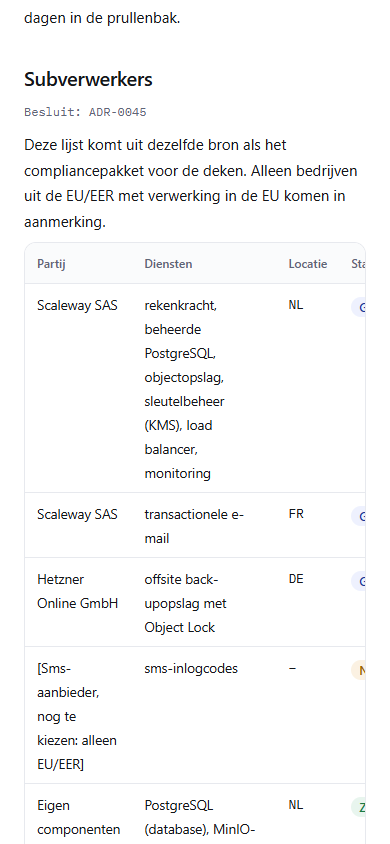
- The environment runs in the Netherlands (EU). Where data is processed and by which subprocessors is stated in the trust centre.
Access
Section titled “Access”- Two-step verification can be set per office and is on by default.
- Permissions are per dataroom, per group and per folder; the strictest setting wins.
- Guests prove their email address with a code and, where configured, their phone with an SMS code.
- A guest only sees the folders of their group; the rest does not exist for them.
Watermark
Section titled “Watermark”Every page in the viewer carries the name of the viewer, the time and a forensic characteristic. That makes a leaked page traceable. It is not absolute protection: nobody can prevent someone from photographing a screen.
What the platform does not do
Section titled “What the platform does not do”| Claim | Reality |
|---|---|
| “Screenshots are impossible” | Untrue: a photo of a screen cannot be prevented; the watermark does make it traceable |
| “ISO 27001 certified” | Only claim this if the certificate exists and the scope is right; ask for the current evidence |
| “Working offline” | Not available: this is a web application without offline synchronisation |
| “Unlimited storage” | No: storage is a shared pool per organisation, with a limit per subscription |
Status and outages
Section titled “Status and outages”The trust centre shows the current status of the service and, during an outage, what is going on. The trust centre is readable on a phone too: the topics are then stacked.
Report a security issue through the security contact stated in security.txt; that address is also
in the trust centre.
For your own matter file
Section titled “For your own matter file”If you want to show a dataroom to an auditor or the dean, collect:
- the audit trail for the period concerned;
- the retention decision and the retention period;
- the permissions matrix at the time of sharing;
- the outcome of Verify chain.