
The viewer
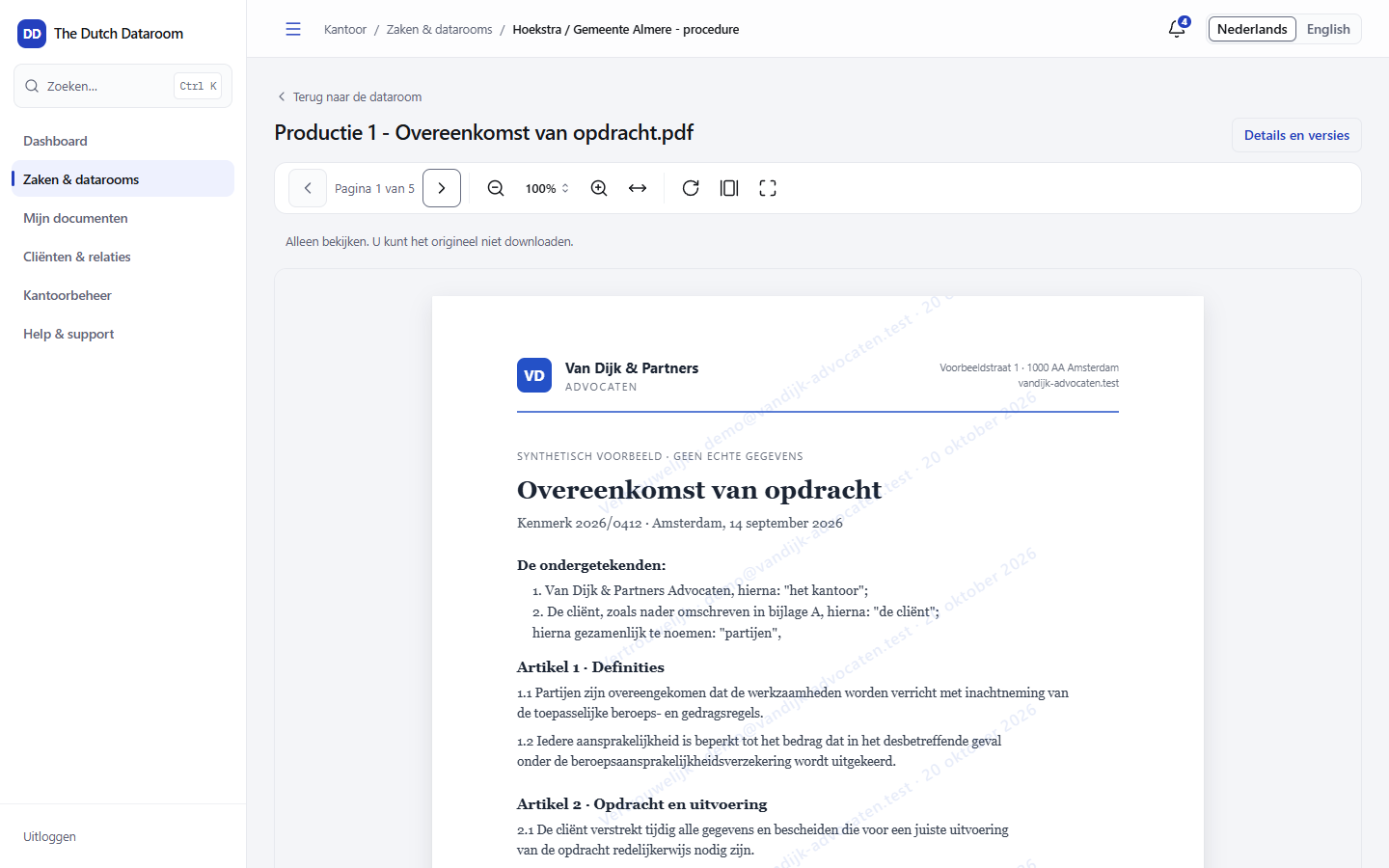
You open documents in the viewer: a page-by-page display in the browser, without a plug-in and without the visitor receiving the original file (unless they have download permission).
Opening
Section titled “Opening”In the index, click the name of the document. With the space bar you open the quick view: a preview without leaving the page. Choose Open in viewer for the full view.
What you can do in the viewer
Section titled “What you can do in the viewer”- Browse — with the arrows, the page number or by scrolling.
- Zoom — fit the view to your screen or zoom in on a detail.
- Search in the document —
Ctrl+Fhighlights matches and jumps to them. - Download — only if you have the right to it; see Downloading.
- Go to the right place — from a search result or a Q&A question you open directly the page it is about.
The watermark
Section titled “The watermark”Every page carries a watermark with the name of the viewer and the time. The office can turn this off per dataroom, but by default it is on. The watermark is not absolute protection against photographing a screen — it does make it traceable who viewed a page and when.
Excel workbooks
Section titled “Excel workbooks”A spreadsheet opens as a worksheet with cells, tabs per sheet and the same formatting as in Excel. You can scroll through the worksheet and search within it.
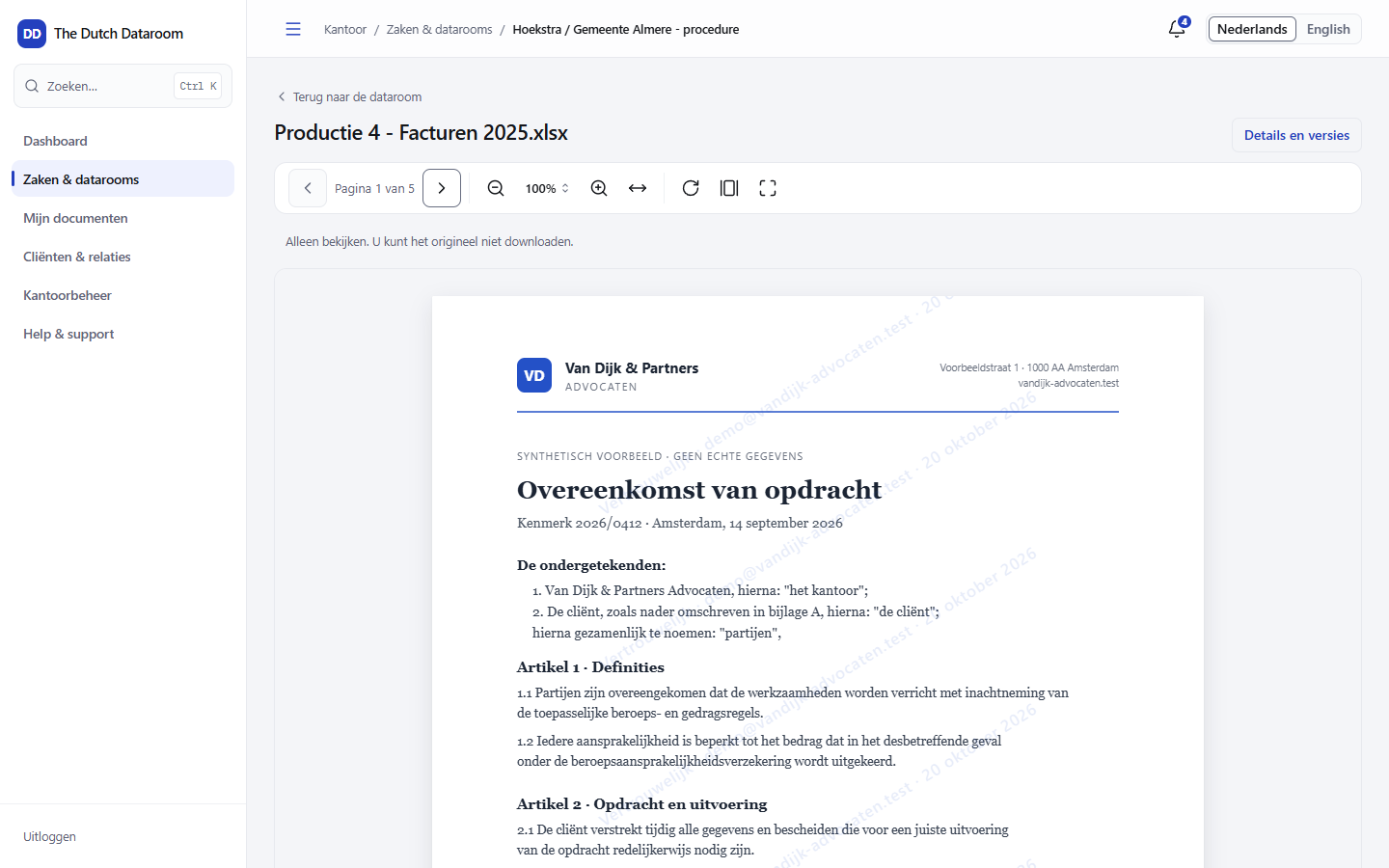
Formulas are only visible to office users with download permission. Guests see the calculated values, not the formula itself — so a worksheet with internal calculations does not leak.
What is not possible
Section titled “What is not possible”- Editing — the viewer is read-only. Changes go through a new version.
- Printing — printing is only possible through a watermarked download, if you have that permission.
- Copying — selecting text is limited to what you are allowed to download.