
Trash and restore
Deleting in a dataroom can almost always be undone. A deleted item goes to the trash of the dataroom and stays there for thirty days.
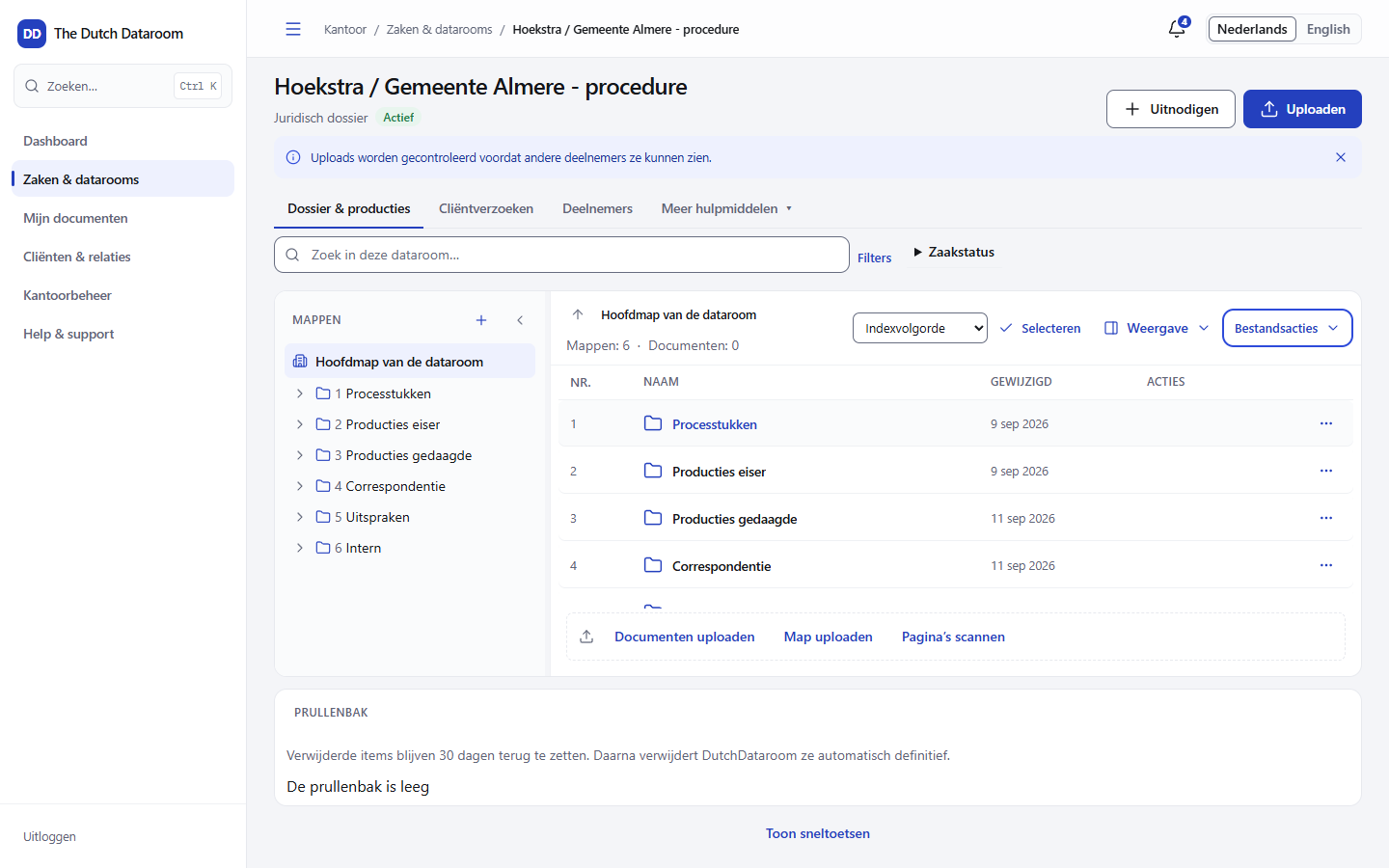
Deleting something
Section titled “Deleting something”- Open the action menu of the folder or the document.
- Choose Move to trash and confirm.
- The item disappears from the index and appears in the trash.
A folder goes to the trash with its contents. If you restore it, the contents come with it.
Restoring
Section titled “Restoring”- Choose Trash in the toolbar of the index.
- Select one or more items.
- Choose Restore.
The item returns to its old place and keeps its number. If the original folder no longer exists, the system reports Returns to the main folder and the item appears at the top of the index.
Automatic clean-up
Section titled “Automatic clean-up”After thirty days the system deletes the item permanently. Each item shows the date: Will be deleted permanently automatically on …. There is no separate step and no reminder beforehand — anything you want to keep, you restore within those thirty days.
Permanent deletion
Section titled “Permanent deletion”An administrator can also delete items permanently straight away. That is only possible if nothing objects. The system blocks it and tells you why:
| Message | Meaning |
|---|---|
| Legal hold: permanent deletion is blocked | A legal hold is running on this matter |
| The dataroom is not active | The dataroom is archived or closed |
| Retention period runs until … | The statutory or agreed retention period has not yet expired |
| Used as an exhibit in pending proceedings | The document is part of an exhibit list |
Permanent deletion requires approval from a second administrator. The request appears in the trash with the name of the requester; another administrator chooses Approve. That way one person can never make evidence disappear on their own.
What ends up in the log
Section titled “What ends up in the log”Deleting, restoring, requesting and approving all appear in the dataroom’s audit trail, with name and time. Even if an item later disappears permanently, the log is kept.