
Welcome
This manual is written for the people who work with The Dutch Dataroom: the office administrator who sets up the firm, the lawyer or adviser who runs a dataroom, and the client or counterparty who is invited. Every page describes one task, the buttons you use for it and what you see afterwards.
Choose your route
Section titled “Choose your route”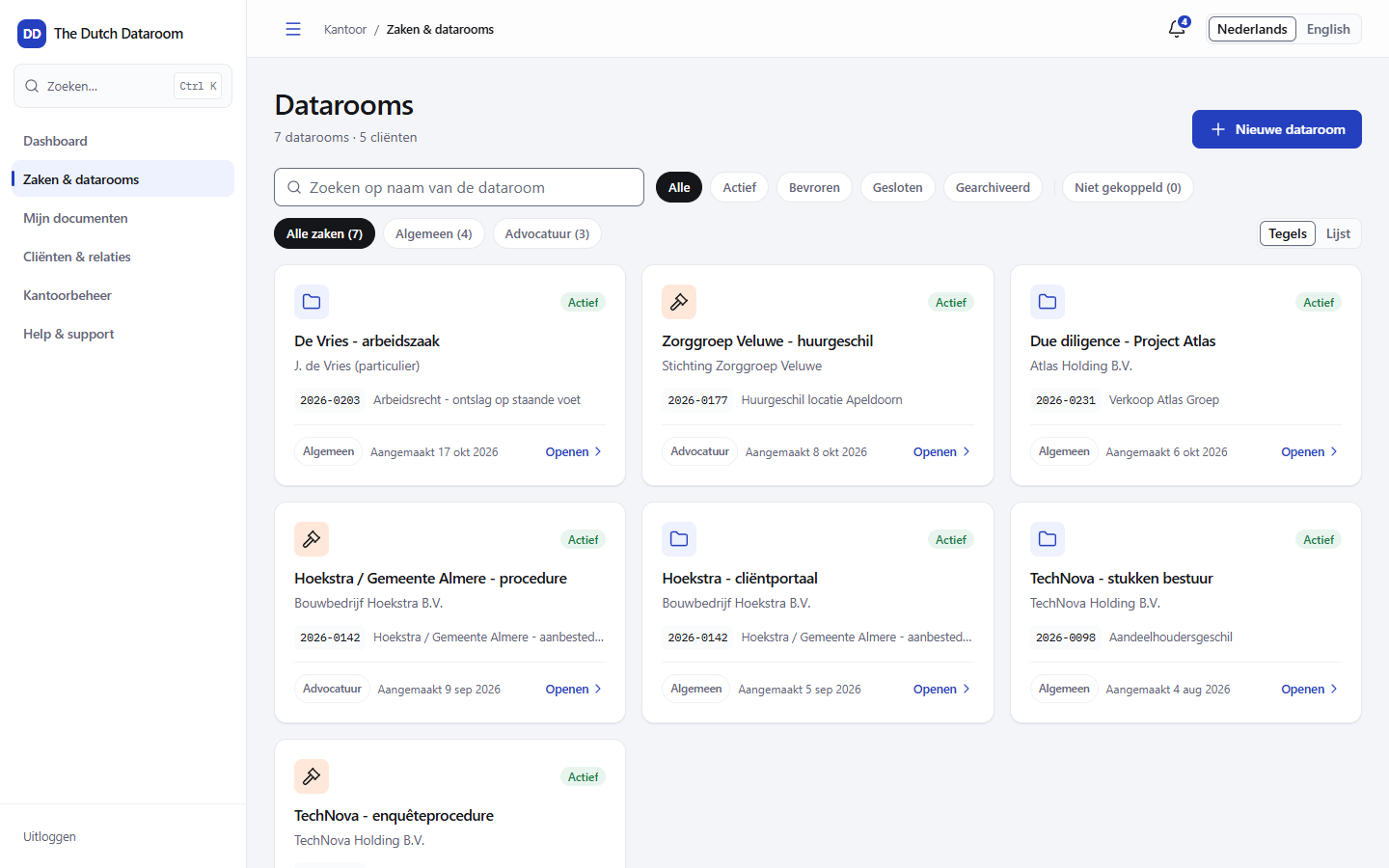
How to read this manual
Section titled “How to read this manual”- Getting started — signing in, learning the screen and filling your first dataroom.
- Datarooms — creating, building the index, settings, trash and search.
- Documents — uploading, versions, the viewer, redaction and downloading.
- People and permissions — inviting colleagues and guests, and deciding exactly who may see what.
- Requests and forms — requesting documents, building forms, Q&A and signing.
- Client portal — what your client sees and how they sign in.
- Office and administration — users, branding, storage and integrations.
- Security and audit — audit trail, retention, and what the platform does and does not promise.
Public pages without an account
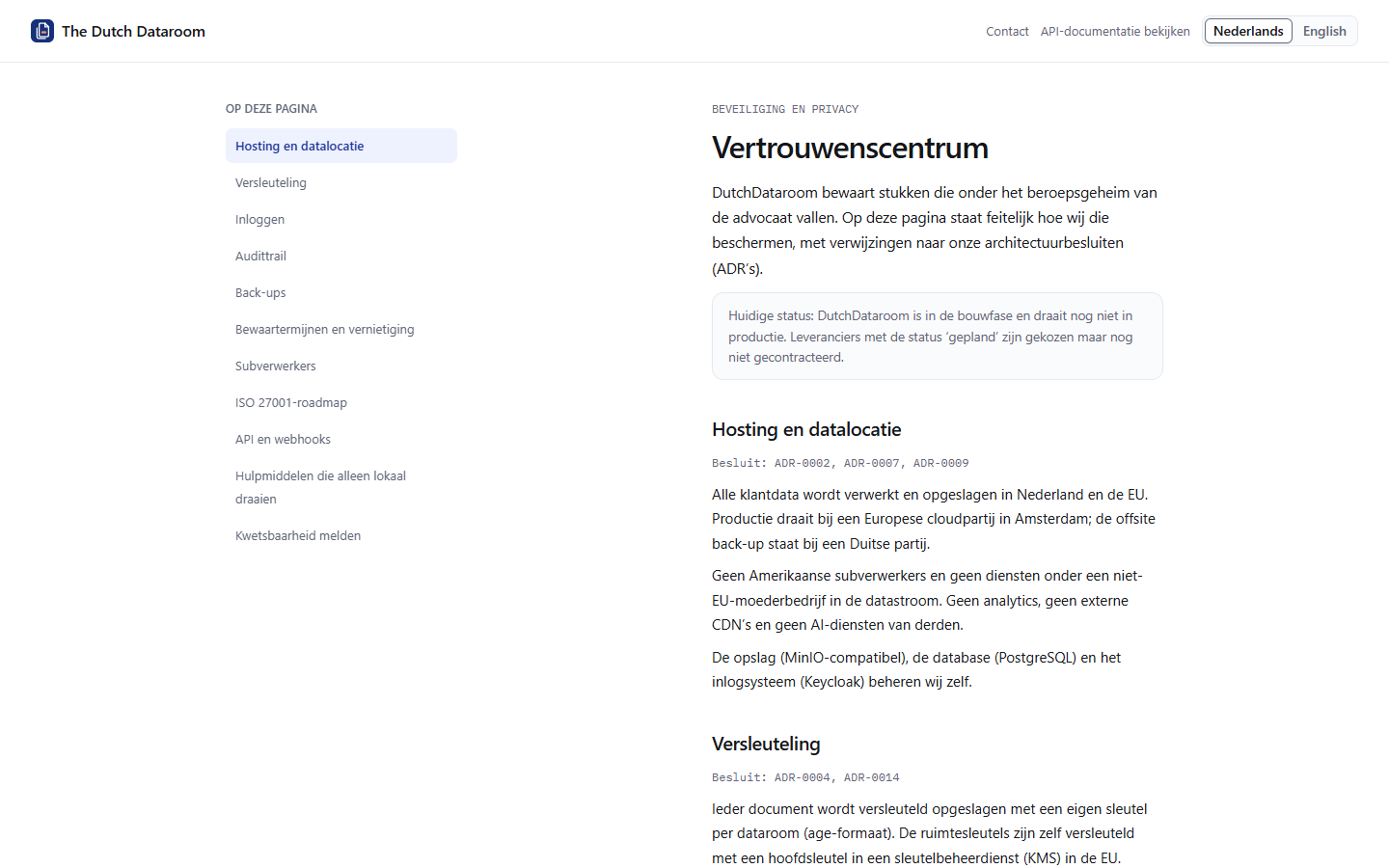
Section titled “Public pages without an account”A few pages are deliberately public: the landing page, the trust centre with the security information and the API documentation. You can share them with a client or a supplier without creating an account.
What this manual does not promise
Section titled “What this manual does not promise”The Dutch Dataroom is a web application: there is no desktop app and no offline synchronisation. Some features depend on your edition or on the type of dataroom; where that is the case, the page says so. If a button or tab is missing in your environment, you most likely lack the permission for it or the feature is not enabled for your edition — the relevant page explains which.